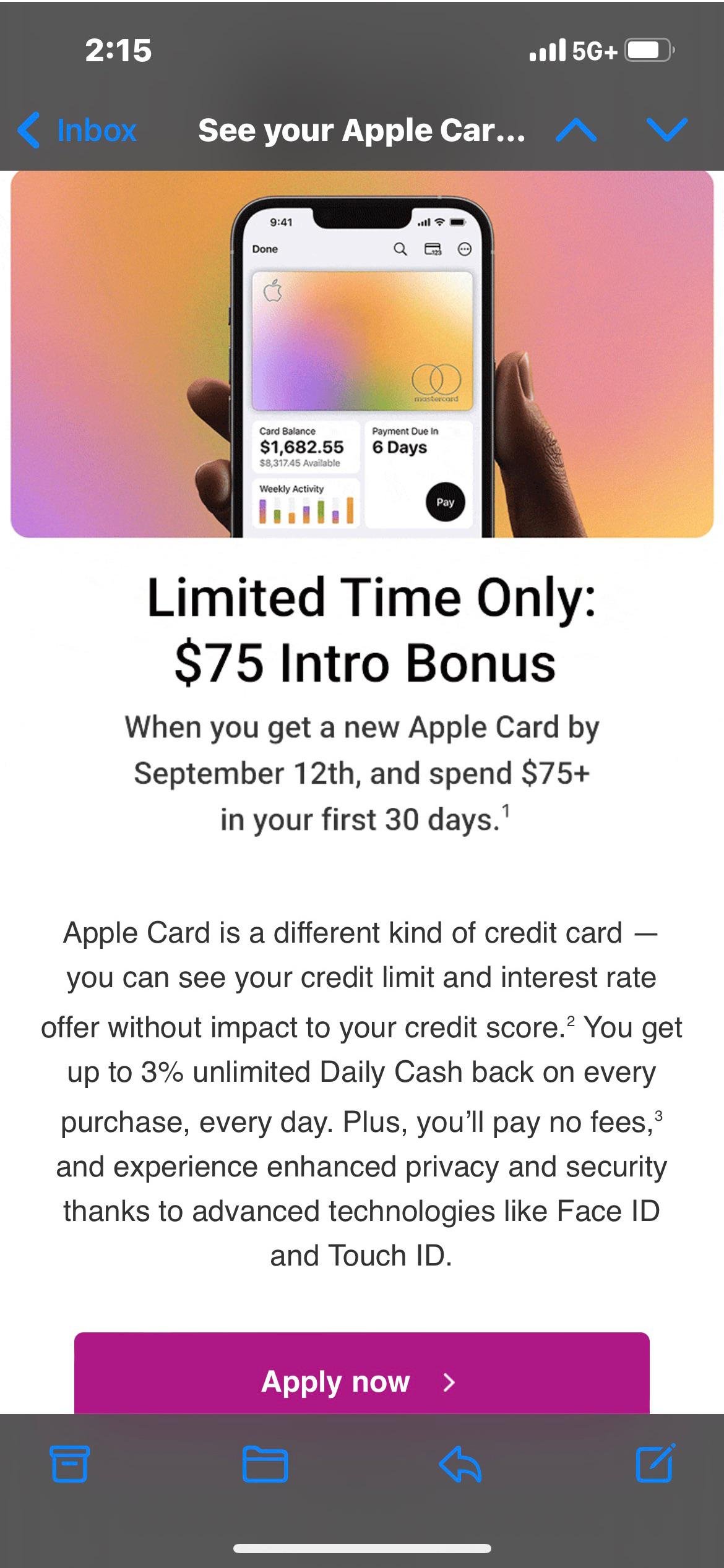
Applying for a new credit card often feels like navigating a maze of fine print and complex criteria. But when it comes to the Apple Card, the process is uniquely streamlined, baked right into the Apple ecosystem you might already know and love. Yet, like any financial product, understanding the Apple Card eligibility requirements and application process is crucial before you dive in.
This guide will demystify everything, offering clear, actionable insights into whether this sleek, integrated credit card is within your reach, how to apply, and what to expect every step of the way. We’re cutting through the jargon to give you the comprehensive, trustworthy information you need to make an informed decision.
Apple Card at a Glance
Before we delve into the details, here's a quick rundown of what makes the Apple Card stand out:
- No Standard Fees: Enjoy no annual, over-limit, or foreign transaction fees.
- Daily Cash Back: Earn 3% on Apple purchases, 2% on Apple Pay transactions, and 1% on all other purchases, paid daily.
- Deep Integration: Managed entirely through the Wallet app on your iPhone or iPad, offering intuitive spending tracking and payment management.
- Enhanced Security: Features like a dynamic virtual card number, biometric authentication (Face ID/Touch ID), and a physical titanium card without visible numbers.
- Transparent Terms: Aims for clarity on interest and rewards, right within the Wallet app.
Beyond the Hype: What Exactly is the Apple Card?
Launched in 2019, the Apple Card isn't just another credit card; it's a strategic partnership between Apple Inc., investment bank Goldman Sachs (the card's issuer), and Mastercard (its payment network). This collaboration brings a consumer credit card tightly integrated into the Apple ecosystem, leveraging the brand's reputation for user experience and design.
It's designed for modern spending, primarily through Apple Pay, offering daily cash back rewards and robust financial management tools directly within your Apple Wallet app. The physical card, sleek and made of titanium, serves as a backup for places where Apple Pay isn't accepted, notably lacking printed sensitive information like the card number or expiration date for added security.
Are You Ready for Apple Card? Unpacking the Core Eligibility Requirements
Before you even think about tapping "Apply," it's essential to understand if you meet the fundamental criteria. Goldman Sachs, as the issuing bank, sets these standards to ensure responsible lending. Here's what they look for:
The Basics: Age, Residency, and Identification
These are non-negotiable legal and regulatory requirements:
- Age Requirement: You must be at least 18 years old. In some states, the minimum age might be higher due to local regulations (e.g., 19 in Alabama and Nebraska, 21 in Mississippi and Puerto Rico). Always confirm the specific age requirement for your location.
- U.S. Residency: You must be a U.S. citizen or a lawful permanent resident. This ensures compliance with financial regulations and tax laws.
- Valid Identification: You'll need either a valid Social Security number (SSN) or an Individual Taxpayer Identification Number (ITIN). This is standard for credit applications and helps verify your identity for credit reporting purposes.
- Physical U.S. Address: You must provide a physical street address within the United States. P.O. boxes are not accepted, as banks need a verifiable physical address for credit card statements and official communications.
Your Device & Digital Life: iPhone/iPad and Apple ID
The Apple Card's entire experience is built around Apple's hardware and software. This isn't just a preference; it's a requirement:
- Compatible Apple Device: You must own a compatible iPhone or iPad. The card is primarily managed through the Wallet app, which is exclusive to iOS. Specifically, your device needs to be running the latest version of iOS or iPadOS, or at least a relatively recent one. This ensures you have access to all the card’s features and security updates.
- Active Apple ID: You need an active Apple ID with two-factor authentication enabled. Your Apple ID is your gateway to all Apple services, and it's how your Apple Card account will be linked and secured. Two-factor authentication adds an extra layer of security, protecting your financial information.
The Credit & Income Factor: Why Your Financial Health Matters
While Apple emphasizes accessibility, the Apple Card is still a credit product, and Goldman Sachs needs to assess your ability to repay. This means your credit history and income are significant factors:
- Good Credit Score: While there's no official minimum score published, a "good" credit score is generally recommended for approval. This typically means a FICO score of 700 or higher. Applicants with scores in the good to excellent range (700-850) have the best chances of approval and often receive better interest rates and higher credit limits.
- What if your score is lower? Goldman Sachs does consider applicants with a range of credit scores, including those who might be new to credit or rebuilding it. However, if your score is significantly below 700, approval might be less likely, or you might receive a lower credit limit and a higher Annual Percentage Rate (APR).
- Sufficient Income: You must have sufficient income to make monthly minimum payments. Goldman Sachs assesses your stated income and debt-to-income ratio to determine your financial capacity. This isn't just about how much you earn, but also how much existing debt you carry. They want to ensure you can comfortably handle another line of credit.
- Positive Financial History: Goldman Sachs reviews your overall credit report for signs of responsible financial behavior. This includes your payment history (on-time payments are key), credit utilization (how much credit you're using compared to your limits), length of credit history, and types of credit accounts. A history of missed payments, bankruptcies, or high debt could hinder your application.
Quick Clarification: While the Apple Card is often praised for its tech integration, it's crucial to remember that its core is still a traditional credit card issued by a bank. Standard credit assessment practices apply.
Navigating the Application Process: A Step-by-Step Guide
Once you've confirmed you meet the eligibility criteria, the application process itself is designed to be quick and intuitive, reflecting Apple's commitment to user experience.
Step 1: Get Your Ducks in a Row (Preparation)
Before you even open the Wallet app, take a few moments to gather your essential information. This will make the application seamless and prevent delays:
- Personal Information: Your full legal name, current physical U.S. address, date of birth, and SSN/ITIN.
- Financial Details: Your total annual income (pre-tax). This includes salary, wages, self-employment income, benefits, and any other regular income sources.
- Employment Information: Details about your employer, if applicable.
- Credit Check Awareness: It's a good idea to know your current credit score. Many services offer free credit score checks, giving you a realistic expectation of your approval chances. While Apple Card typically performs a "soft pull" initially (which doesn't impact your score) to provide an offer, accepting the offer usually triggers a "hard pull," which can temporarily lower your score by a few points.
Step 2: Where to Apply
The primary and most recommended way to apply is directly through your Apple device:
- On Your iPhone or iPad:
- Open the Wallet app.
- Tap the '+' sign in the upper right corner (or top left if you're on an older iOS version).
- Select "Apple Card" from the list of options.
- Follow the on-screen prompts.
- Via Apple Card Website: While the full functionality requires an Apple device, you can initiate the application process or learn more on the official Apple Card website. However, for a complete application and management, an iPhone or iPad remains essential.
Step 3: Filling Out the Form
The application is straightforward, requiring you to input the information you gathered in Step 1.
- Accuracy is Paramount: Double-check every piece of information you enter. Discrepancies, typos, or outdated details can lead to delays or even rejection. Ensure your name and address match what's on file with credit bureaus.
- Read Carefully: The prompts are clear. Simply provide the requested details honestly and accurately.
Step 4: The Fine Print (Review Terms and Conditions)
Before you submit, you'll be presented with the card's terms and conditions.
- Understand Interest Rates: Pay close attention to the Annual Percentage Rate (APR) range. Your specific APR, if approved, will fall within this range based on your creditworthiness.
- Cash Back Details: Reconfirm the daily cash back structure to ensure it aligns with your spending habits.
- Fee Structure: While Apple Card famously boasts no standard fees, it's wise to review the full terms for any specific scenarios (e.g., cash advance fees, impact of late payments on interest accrual).
Step 5: Hit Submit and Await the Verdict
Once you're satisfied with your application and have reviewed the terms, tap "Submit."
- Instant Decision: Many applicants receive an instant approval or denial notification within minutes, directly on their device screen.
- Pending Review: In some cases, your application might go into a pending state if Goldman Sachs needs more time to review your information or verify details. This isn't necessarily a bad sign, just an indication that a more thorough check is underway.
What Happens After You Apply? Approval, Denial, and What's Next
The moments after hitting submit can be nerve-wracking, but the Apple Card process aims for transparency.
The Real-Time Review: Goldman Sachs' Assessment
Behind the scenes, Goldman Sachs is conducting a real-time assessment of your creditworthiness. This involves:
- Credit Report Analysis: They'll pull your credit report from one or more major credit bureaus (Experian, Equifax, TransUnion) to evaluate your credit score, payment history, existing debt, and other factors.
- Income Verification: Your stated income is assessed against your credit profile to gauge your ability to handle new debt.
- Proprietary Algorithms: Goldman Sachs uses its own algorithms, potentially incorporating aspects of your Apple ecosystem engagement (though this is typically not a direct credit factor, it might influence their overall assessment strategy).
Receiving Your Decision: Instant or Awaiting Review
Most applicants will get a decision quickly:
- Instant Approval: If approved, you'll immediately see your assigned credit limit and your specific Annual Percentage Rate (APR).
- Offer Details: This offer is binding for a limited time (usually around 30 days). You can review it and decide whether to accept.
- Denial: If denied, you'll receive a clear explanation of the reasons for the decision.
"Hooray, You're Approved!"
Congratulations! Here’s what happens next:
- Accept the Offer: Tap to accept the terms, and your Apple Card will be instantly provisioned in your Wallet app.
- Virtual Card Ready: Your virtual Apple Card is immediately available for use with Apple Pay online, in apps, and in stores. You can also access its dynamic card number for online purchases where Apple Pay isn't an option.
- Credit Limit & APR: These are set based on your creditworthiness during the application. Understanding your APR is crucial, as this is the interest rate you'll pay if you carry a balance.
- Getting Your Titanium Card: If you requested it during the application, a sleek physical titanium Apple Card will be mailed to your physical address, typically arriving within 5-7 business days.
- Activation: Once it arrives, you'll activate the physical card easily through the Wallet app by tapping your iPhone to the card's packaging.
- Managing Your Card in Wallet: Your iPhone becomes your personal financial assistant. You can view your spending organized by category (using a color-coded interface), track daily cash back, schedule payments, and access customer support directly through the Wallet app. You'll also see clear due dates and minimum payment amounts.
"Uh-Oh, Denied."
A denial is certainly disappointing, but it's not the end of your financial journey.
- Understanding the Reasons: Goldman Sachs is legally required to provide specific reasons for denial. These typically fall into categories like:
- Low credit score
- High debt-to-income ratio
- Insufficient income
- Recent negative credit events (e.g., missed payments, bankruptcies)
- Too many new credit accounts
- Lack of credit history
- Your Right to a Free Credit Report: You are entitled to a free copy of your credit report from the bureau(s) Goldman Sachs used for their decision. Review this report carefully for inaccuracies or areas for improvement. You can obtain a free annual credit report from annualcreditreport.com.
- Strategies for Re-applying: Don't reapply immediately. Instead:
- Address the Issues: Focus on improving the specific areas cited in your denial letter.
- Build Credit: If you have limited credit history, consider a secured credit card or becoming an authorized user on someone else's account.
- Reduce Debt: Pay down existing balances to improve your debt-to-income ratio.
- Wait: Give yourself at least 3-6 months to demonstrate positive changes to your credit profile before reapplying for the Apple Card or any other credit product.
Is Apple Card Truly Fee-Free? Understanding the Nuances
One of Apple Card's most lauded features is its promise of "no fees." While this is largely true for standard operational fees, it's vital to understand where costs can still arise.
The "No Standard Fees" Promise
Apple Card proudly advertises:
- No Annual Fee: You won't pay a yearly charge just for having the card.
- No Over-Limit Fee: Unlike many traditional cards, Apple Card won't charge you for exceeding your credit limit. However, attempting transactions that go over your limit might simply be declined.
- No International Fees (Foreign Transaction Fees): Use your Apple Card anywhere Mastercard is accepted globally, without incurring extra fees on foreign currency transactions. This is a significant perk for travelers.
Where Costs Can Appear: Interest, Cash Advances, and Late Payments
While direct "fees" are minimal, costs can still impact your wallet:
- Interest Charges: This is the primary way the Apple Card can cost you money. If you don't pay your full statement balance by the due date each month, you'll incur interest on the outstanding balance. The APRs for Apple Card can be competitive for those with excellent credit, but they can also be on the higher side (e.g., up to 29.49% variable APR as of writing) for those with lower credit scores. Always aim to pay your balance in full to avoid interest.
- Cash Advance Fees: If you take a cash advance using your Apple Card, a fee will be charged (typically a percentage of the advance amount, with a minimum flat fee), and a higher APR usually applies immediately, with no grace period. Cash advances are generally expensive and should be avoided unless absolutely necessary.
- Late Payments: While Apple Card explicitly states "no late fees," missing a payment isn't consequence-free. A late payment will mean you lose your interest-free grace period, and interest will begin to accrue immediately on your outstanding balance. It can also negatively impact your credit score and potentially lead to your APR increasing. So, while no fee per se, the financial implications are real.
Maximizing Your Rewards: The Daily Cash Back System
The Apple Card's cash back program is designed for simplicity and immediate gratification, paid out daily.
- 3% Daily Cash: Earn 3% back on purchases made directly from Apple, whether in Apple Stores, on the Apple website, App Store, or for Apple services like Apple Music or iCloud storage. This is a great perk for loyal Apple users.
- 2% Daily Cash: Get 2% back on all purchases made using Apple Pay. This is a broad category, as Apple Pay is accepted at millions of merchants worldwide, both online and in physical stores. This makes the Apple Card quite competitive for everyday spending where Apple Pay is an option.
- 1% Daily Cash: All other purchases, where Apple Pay isn't accepted and you use your physical titanium Apple Card, earn 1% cash back.
- How it Works: Your cash back accumulates as "Daily Cash" in your Apple Cash card within the Wallet app. From there, you can spend it via Apple Pay, send it to friends, or transfer it to your bank account.
Strategic Spending Tips: To maximize your Daily Cash, always prioritize using Apple Pay whenever possible. For significant Apple purchases, the 3% back can add up quickly.
Beyond Your iPhone: Potential Drawbacks to Consider
While the Apple Card offers many attractive features, it’s not without its limitations, especially depending on your personal tech habits and spending profile.
Apple Ecosystem Lock-in
The biggest limitation is its deep reliance on Apple devices.
- iPhone/iPad Required: To apply, manage your account, view transactions, and fully leverage the card's features, you must have a compatible iPhone or iPad. Android users, Windows users, or even those who prefer traditional online banking will find the experience restrictive or nonexistent.
- No Desktop Management: There's no robust desktop interface for managing your Apple Card, meaning all detailed tracking and payments happen via your mobile device.
Rewards Structure Limitations
While convenient, the cash back program might not be the most lucrative for all spending patterns.
- Heavy Apple/Apple Pay Bias: The highest rewards (3% and 2%) are heavily skewed towards Apple-specific purchases and Apple Pay transactions. If a significant portion of your spending is with merchants that don't accept Apple Pay, or in categories like groceries or gas where other cards offer 3-5% cash back, the Apple Card's 1% default rate might feel underwhelming.
- No Category Bonuses: Unlike some other rewards cards, Apple Card doesn't offer rotating bonus categories or enhanced rewards for specific spending areas like dining, travel, or home improvement.
Interest Rate Risks
For those who regularly carry a balance, the Apple Card's APR can be a significant drawback.
- Potentially High APR: While competitive for excellent credit, the maximum variable APR can be quite high. If you're approved with a higher APR and don't pay your statement balance in full each month, interest charges can quickly erode any cash back rewards you earn.
- No Interest-Free Promos: Apple Card typically doesn't offer introductory 0% APR periods for purchases or balance transfers, which some other cards use to attract new cardholders.
Exploring Your Options: Alternatives to the Apple Card
If the Apple Card's eligibility requirements seem a bit out of reach, or its features don't perfectly align with your financial goals, a plethora of other credit cards can serve your needs.
For Broad Cash Back & Rewards Enthusiasts
If you're looking for strong rewards without the Apple ecosystem tie-in, consider these:
- Chase Freedom Unlimited: Offers 5% cash back on travel purchased through Chase Ultimate Rewards, 3% on dining and drugstore purchases, and an unlimited 1.5% cash back on all other purchases. Great for everyday spending.
- Citi Double Cash Card: A fan favorite for its straightforward rewards structure, offering 2% cash back on all purchases (1% when you buy, 1% when you pay). No annual fee.
- Capital One VentureOne Rewards Credit Card: Ideal for casual travelers, offering 1.25 miles per dollar on every purchase. Miles can be redeemed for travel or transferred to airline partners.
- American Express Gold Card: A premium option for foodies, offering 4X Membership Rewards points on purchases at U.S. supermarkets (on up to $25,000 per calendar year, then 1x) and at restaurants worldwide, plus statement credits. (Note: annual fee applies).
- Discover it Miles: Offers 1.5x miles on every dollar spent, plus Discover often doubles all the miles you earn in your first year for new cardmembers.
For Building or Rebuilding Credit
If your credit score isn't quite ready for the Apple Card, these options can help you build a positive credit history:
- Secured Credit Cards: These cards require a cash deposit, which typically becomes your credit limit. They report your payment activity to credit bureaus, helping you establish or improve your score.
- Discover it Secured Credit Card: Known for offering rewards (2% cash back at gas stations and restaurants on up to $1,000 in combined purchases each quarter, 1% on everything else) and a pathway to an unsecured card.
- Capital One Secured Mastercard: Offers flexible security deposit options and reports to all three major credit bureaus.
- Credit Builder Loans: These aren't credit cards but can help you build credit by demonstrating responsible repayment of a loan that's held in a locked savings account until paid off.
Making Your Decision: Is the Apple Card Right for You?
The Apple Card offers a modern, integrated credit experience that perfectly complements the digital lives of Apple users. Its appeal lies in its simplicity, transparent fee structure (or lack thereof), and seamless integration with the Wallet app.
However, its eligibility requirements, particularly around credit score and income, are standard for an unsecured credit card. If you meet these, and you're deeply entrenched in the Apple ecosystem, frequently use Apple Pay, and value a streamlined financial experience on your iPhone, the Apple Card could be an excellent fit.
Before you apply, carefully weigh its unique benefits against its potential drawbacks, especially concerning its rewards structure and the reliance on your Apple device. Consider your own spending habits, financial health, and what you prioritize in a credit card. For a deeper dive into its overall value proposition, you might want to explore Is Apple Card worth it?. Understanding these nuances will help you determine if the Apple Card is the smart financial tool you've been looking for.